Worlds
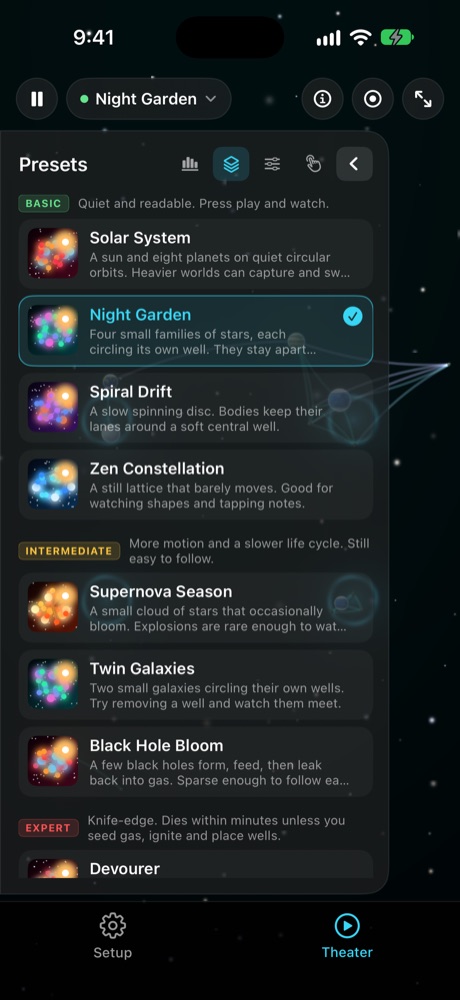
10 presets
From Solar System to Primordial Maw. Basic is quiet. Expert dies unless you seed gas, ignite and place wells.
Version 0.2
Watch a living universe.
Stars, planets and dust move under attraction, charge and wells. Change the laws. Listen as bodies graze, merge and are born.
Scroll
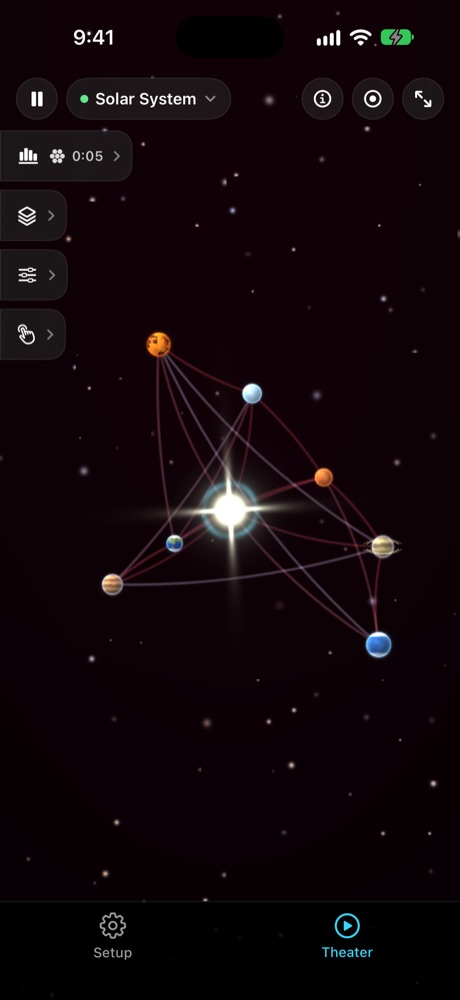
Theater is the stage. Setup is the workshop. Press play, pick a world, change the laws, and keep what unfolds.
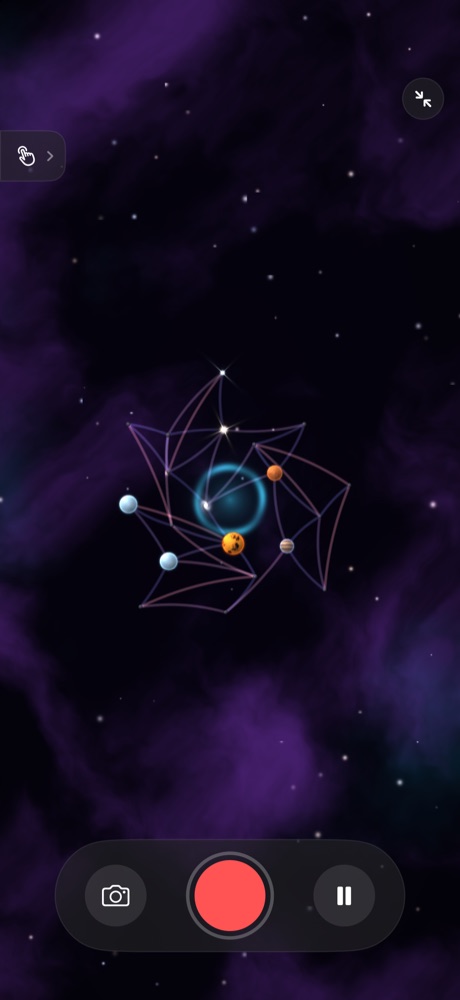
A universe is already running. Pause from the top left. Full screen when you only want the sky.
Ten built-ins, from a quiet solar system to expert worlds that collapse unless you step in.
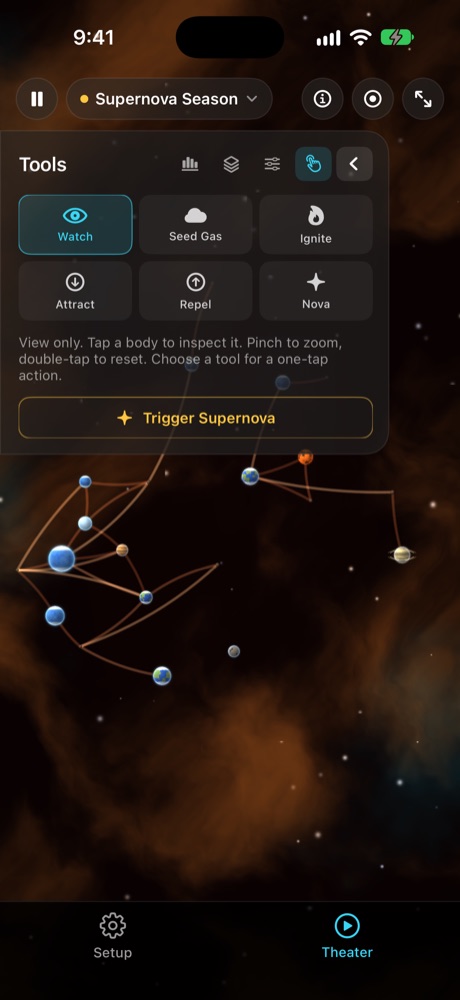
Seed gas, ignite, place an attractor or a repeller, or trigger a nova. One tap on the stage.
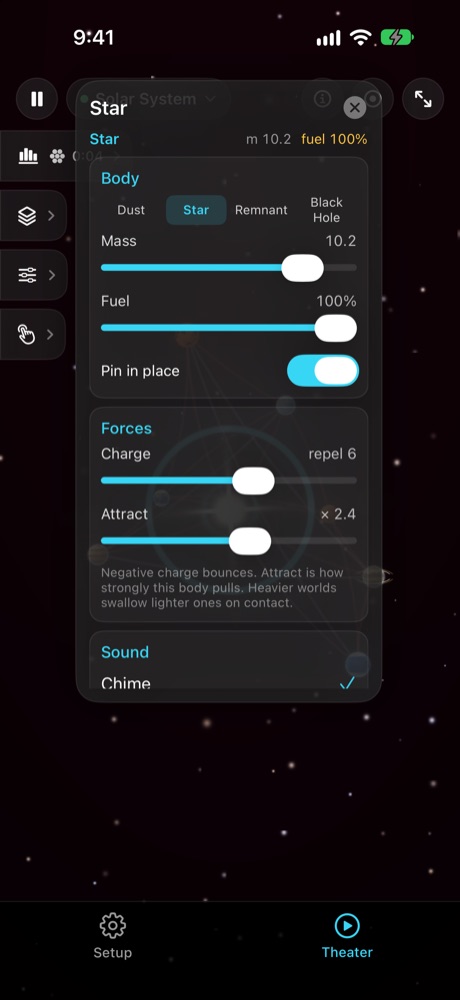
Tap a body for mass, fuel and its note. Record a clip to Photos. Save a preset and send the file.
Watch
Your film. Autoplay is silent. Turn sound on when you want the score.
The stage
Two tabs. One is the sky. One is every law you can touch.
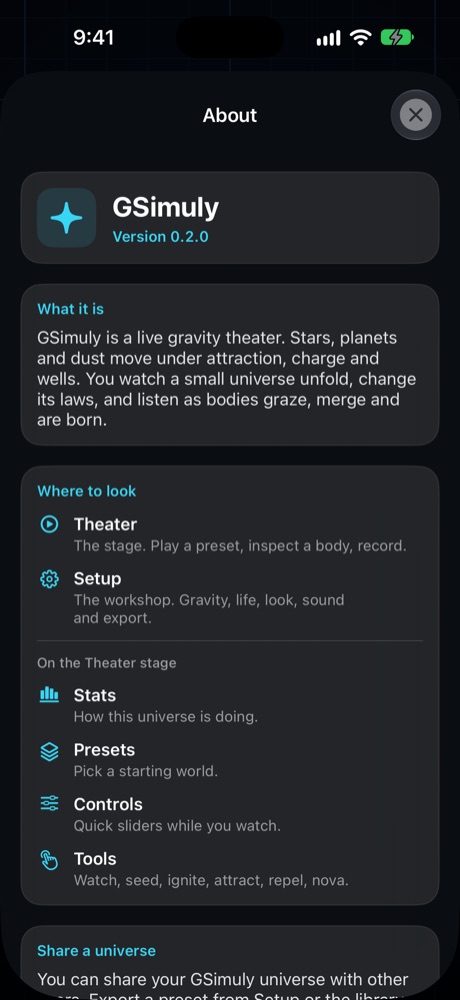
The stage. Play a preset, inspect a body, record.
Gravity, life, look, sound and export.
Watch, seed, ignite, attract, repel, nova.
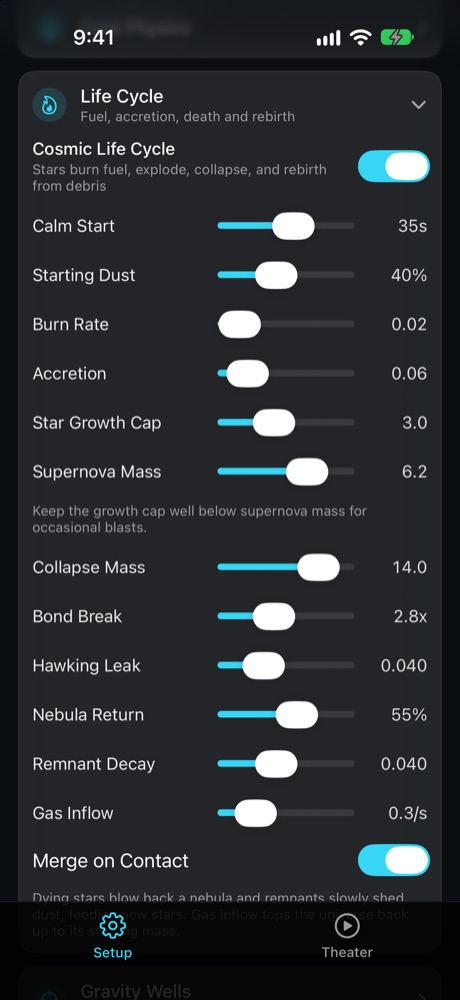
Fuel, accretion, supernova, collapse, rebirth.
Worlds
10 presets
From Solar System to Primordial Maw. Basic is quiet. Expert dies unless you seed gas, ignite and place wells.
On device
60 fps
Metal compute. No cloud. The governor caps node count to the device.
Sound
Live
Each shape has a note. Ambient loops under the sky. Collisions speak.
Your files
∞ upload
Stills and clips go to Photos. Presets you send are files you chose to share.
Made for
Same app. Different moods. Start quiet, or pick an expert world that wants to collapse.
Basic
Solar System, Night Garden, Spiral Drift, Zen Constellation. Press play and watch.
Intermediate
Supernova Season, Twin Galaxies, Black Hole Bloom. Motion you can still follow.
Expert
Devourer, Heat Death Edge, Primordial Maw. Seed gas, ignite, place wells.
Listen
Scales, per-body instruments, and ambient loops. Grazes and novas have a voice.
Record
A still or a short video to Photos. Full screen if you only want the sky in the frame.
Share
Export a preset. Someone else loads it and runs the same world.
Version 0.2
A body
Fuel, charge, pin in place, the instrument it plays. Heavier worlds swallow lighter ones on contact.
Setup
Gravity, wells, palettes, shapes, scales, music, how long a recording lasts. Collapse a section, open another.
iPad
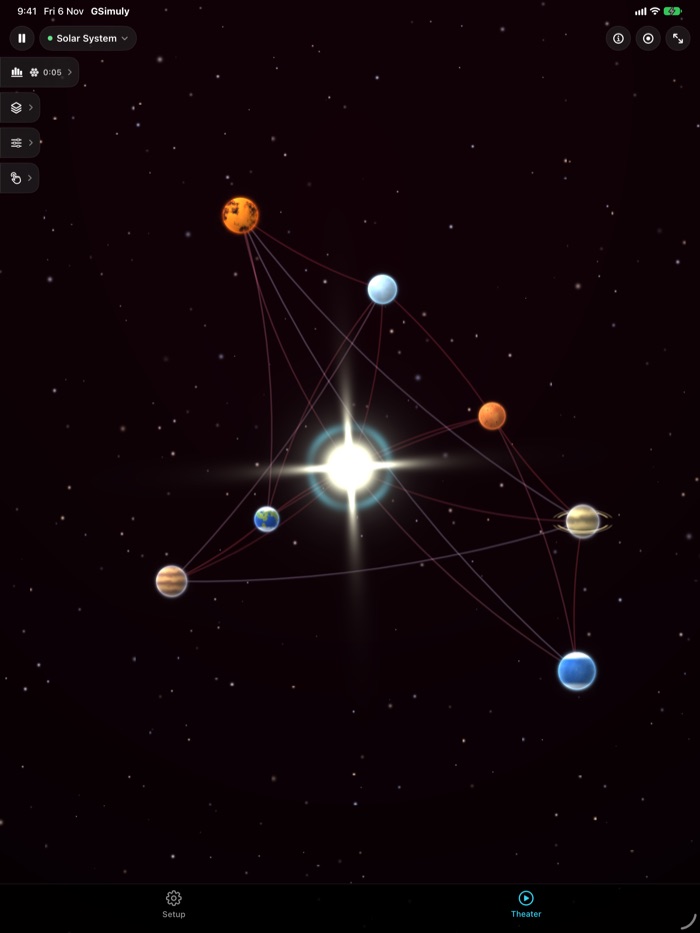
Theater and Setup on a larger stage. Tabs still sit on the left when you want the universe in front of you.
Before you start
Play. Pick. Touch. Keep.
FAQ
A live gravity theater. Stars, planets and dust move under attraction, charge and wells. You watch a small universe unfold, change its laws, and listen as bodies graze, merge and are born.
No. There is no account, no analytics, and no advertising. The last universe is saved on the device so it can resume.
Yes. Save a preset from Setup or the library and send the file. The other person opens it with GSimuly and runs the same world.
Stills and videos are added to your Photos library after you tap save. GSimuly does not read the rest of your library and does not upload those files.
It is for watching and playing with a small universe. It is not a research-grade n-body lab, and it is not a medical or navigational tool.
iPhone and iPad with iOS 17 or later. No Apple Watch. No account.
GSimuly is for general educational and entertainment use. It is sold as is. Treat every orbit as a picture, not a prediction.
Nothing is sent off the device unless you choose to share a preset file.
GSimuly is provided as is, without warranties of any kind. For informational and entertainment use only.
GSimuly. Live gravity theater for iPhone and iPad.